Read the time. See the time.
Ten segments decrease as time passes, alongside a digital countdown. A quick glance tells you how much is left.

NEXA / VISUAL TIMER
Time left, at a glance.
Study, work, take a break. Keep a small visual timer nearby while you get on with what you are doing.
Download on Google Play ↗iOS · Under App Store review
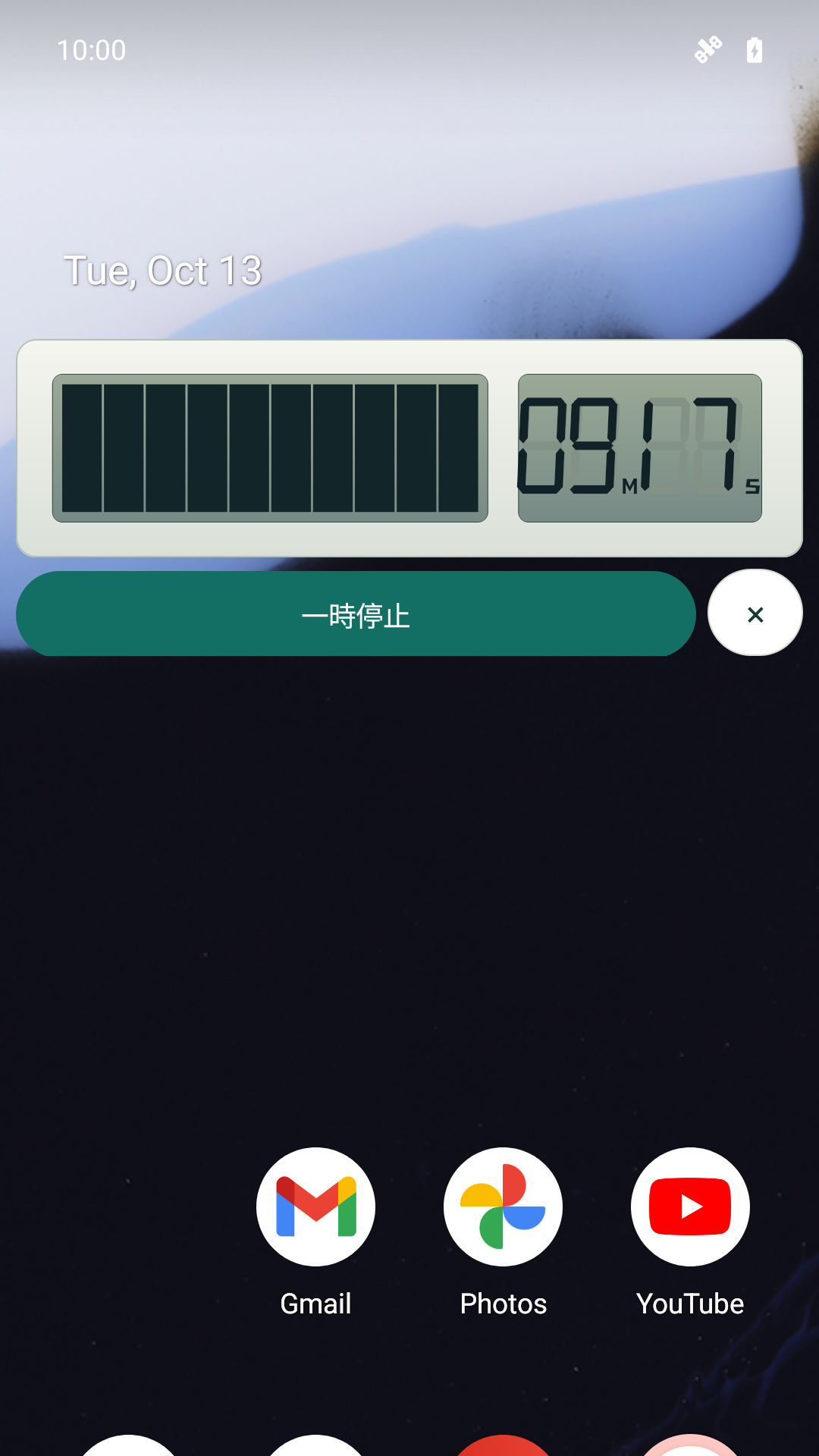
Ten segments decrease as time passes, alongside a digital countdown. A quick glance tells you how much is left.
The Android floating bar stays visible when you switch apps. Drag it to a spot that works for you.
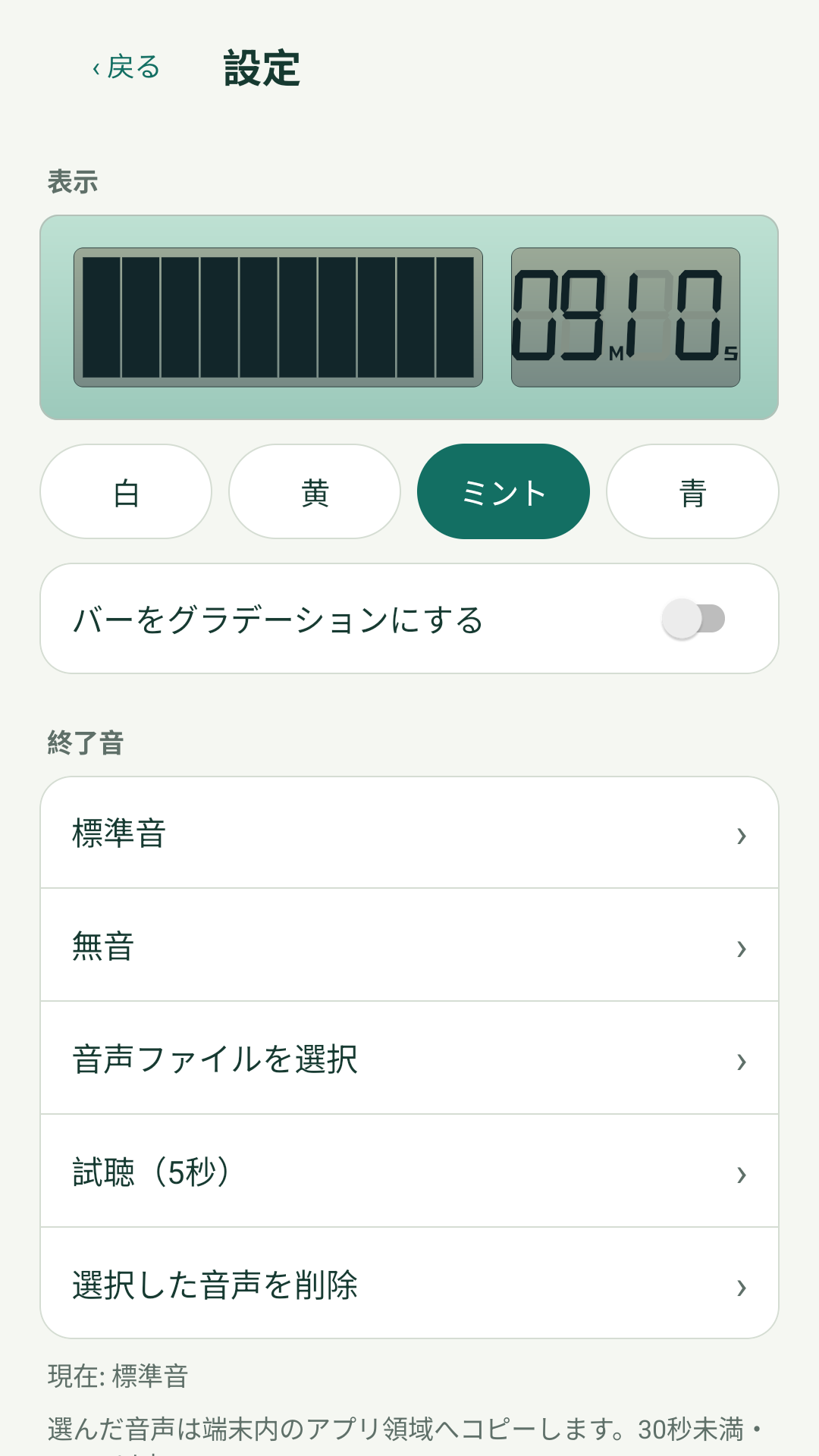
Choose white, yellow, mint, or blue, with an optional gradient. Use the default end sound, silence, or your own audio file.
ANDROID / iOS
Each platform uses the display options that fit its screen.
Check time left in a small floating bar while using another app.
See the countdown in a Lock Screen Live Activity, and in Dynamic Island on supported iPhones.
The iOS app is under review. Its download link will appear here after release.
IN THE APP
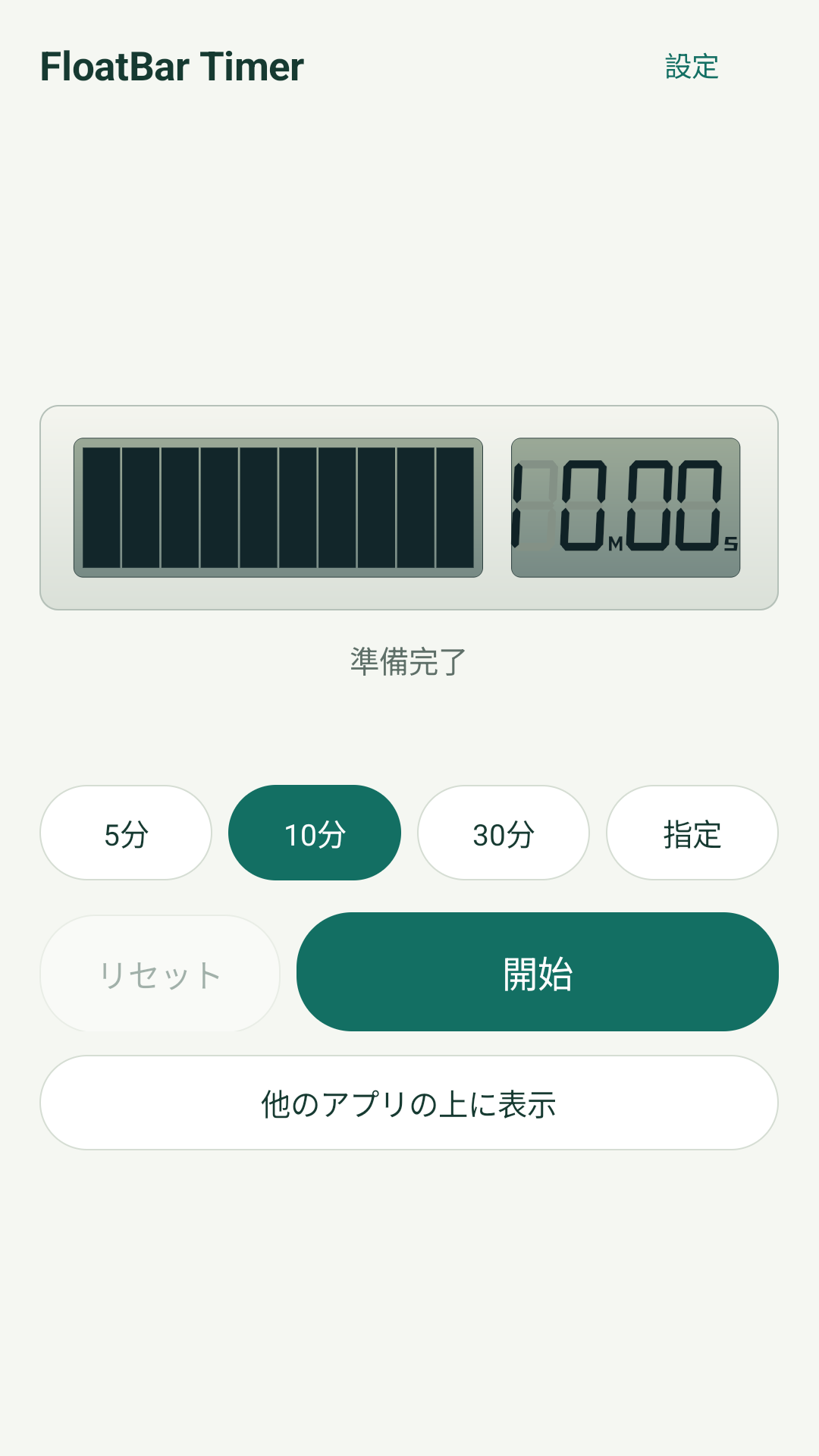
Actual screens from the Android app (Japanese interface).
GET STARTED